

In the age of spiking RAM costs driving up PC prices, Microsoft wants to be able to claim that low-end computers don’t have to suck anymore. In a blog post published Tuesday, Microsoft’s head of Windows and devices, Pavan Davuluri, writes that Windows 11 will now be up to 20% faster when running on PCs with limited memory pools. And that’s just the start to what may finally make Windows 11 an OS worth giving a damn.
Overall, it may feel snappier, with quicker loading for various elements like the Start menu, Snipping Tool, or File Explorer. The exec further says that multi-tasking should be up to 40% faster, at least based on Microsoft’s internal lab benchmarks. Davaluri implied these savings are enough that 8GB laptops will be able to run a browser with a dozen or more tabs and still open some of your regular Office 365 apps while editing video.
Sure, an 8GB PC was capable of that previously, but trying to work in those conditions was never worth the hitching, slowdowns, and other teeth-grinding hassles. Gizmodo, alongside the wider crowd of PC users, has decried the state of low-end PCs running Windows 11. It’s been a long time coming, but Microsoft seems like it’s honestly invested in changing that outlook. It’s about damn time.
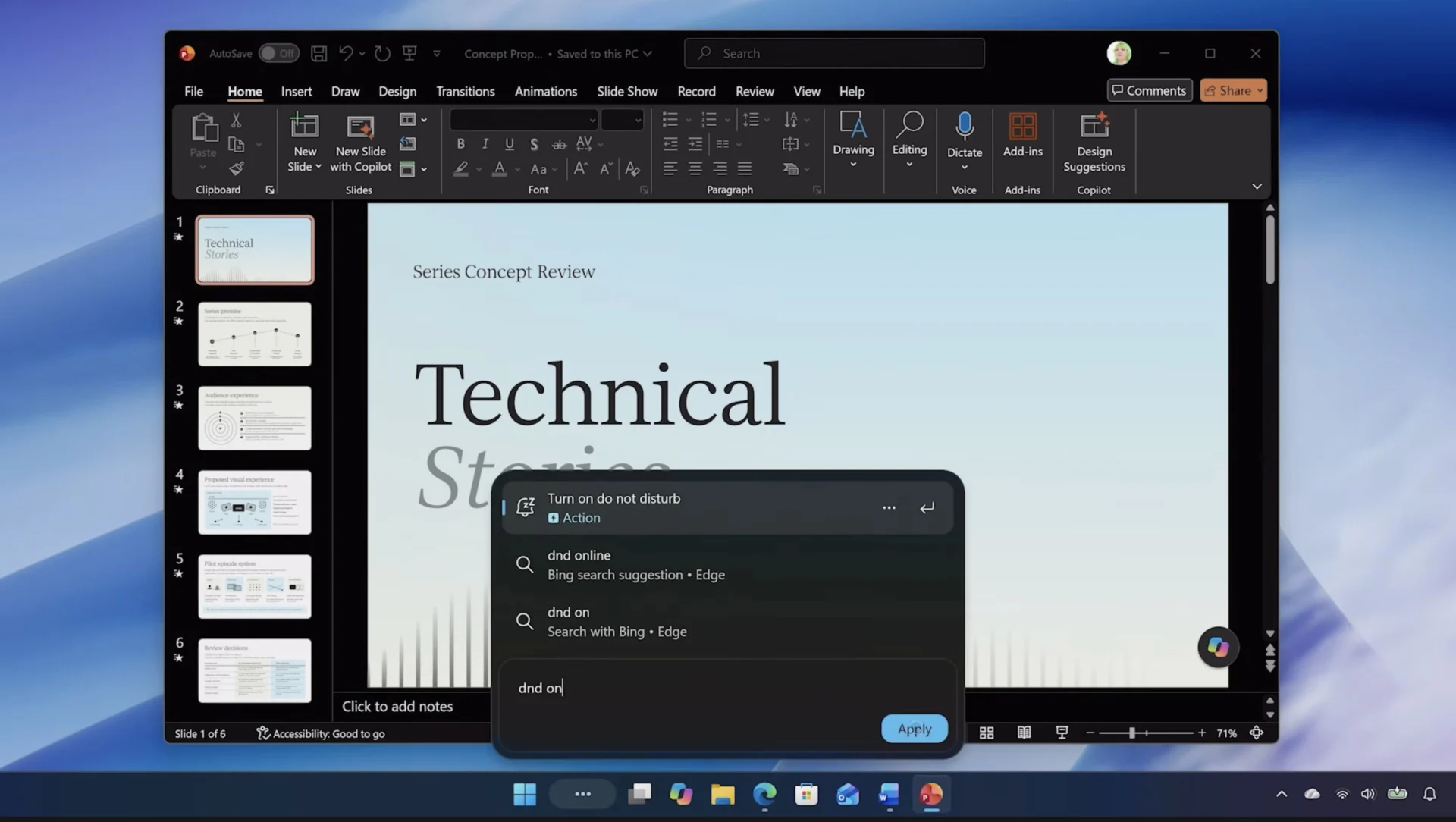
This is all part of a bigger push to make Windows 11 be more usable while giving users more control over their OS. That includes—finally—a movable taskbar (though it may not feel as freeform as Windows 10’s) and a new search function that will let you control various settings without having to dig through the Settings app. The new push for memory efficiency is defined by three main thrusts. In an exclusive interview with Gizmodo, VP of Windows design and research Marcus Ash says that the work is extensive, starting at the kernel level and going down through the scheduler, then into the user apps like File Explorer and internet browsers.
Klaus Diaconu, Microsoft’s product manager of Windows fundamentals, tells Gizmodo that one of the main pillars of this “serious surgery” to Windows 11 is making sure apps have a smaller memory footprint. That may mean some 8GB laptops may not have the same experience as a system with more memory. Windows will no longer preload the Widgets pane at startup. More than that, when you load it up, it lands on a page that initially doesn’t take up nearly as much memory before you actually select and use a widget.
“We are doing fairly serious surgery on the operating system on how we manage memory,” Diaconu says. That means remodeling how Windows 11 deals with memory requests that exceed RAM. Normally, PCs then have to depend on slower memory from the SSD, but the product manager says Windows will now rely more on compressing memory before it has to rely on other components. That focus on 3x compression may result in close to 2GB worth of memory savings when the need arises. Users on some of the latest 26H2 builds have already reported witnessing memory savings between 1GB to 2GB when Windows 11 is idling, though that’s largely with 16GB devices so far.
Some of these Windows 11 features still aren’t available outside beta. Microsoft is completely reinventing some UX elements for the sake of lower memory usage. The File Explorer, Notepad, Paint, and Photos apps, along with the new search function, are now built using WinUI3, which means they’re baked directly into the OS. These functions were previously built on WebView2, a developer control tool that’s essentially a memory-hungry browser app.
Microsoft won’t be switching all desktop apps to WinUI3. “Certain applications do need to display web content,” Diaconu says. However, Microsoft is trying to save on memory in other ways, such as by having all Office apps run in one instance of WebView2, rather than forcing each to load up separately.
Overall, Microsoft leadership tells us it’s simply trying to plug holes where users could experience memory leaks (when a system fails to return RAM after requesting it from the OS). Diaconu says his team is being “meticulous” about fixing some of these lingering issues. The other part to this endeavor is to make default Windows apps use up less memory. For instance, the Edge browser will sleep unused tabs after 15 minutes, rather than two hours by default.

That “20% faster” claim Davaluri is making is mostly going to be an anecdotal assessment. Diaconu says you may feel it when right clicking on the desktop or when hitting the start menu. The speed of the OS may improve to the point it can feel “snappy” again. That’s going to impact more than just the 8GB PCs but every Windows 11 PC as well.
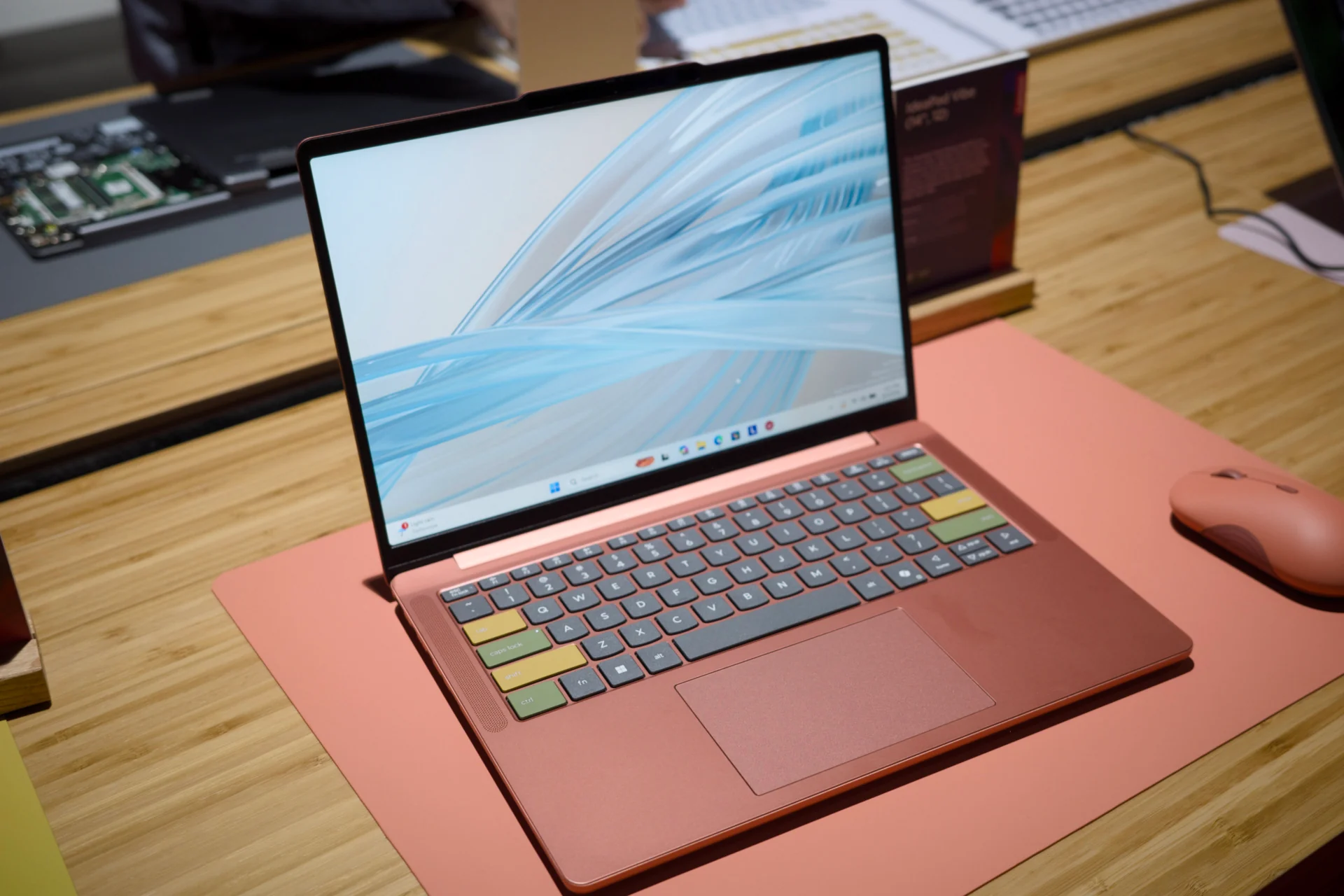
These changes have been a long time coming. The feeling I’m personally left with is a spot of hope, mired in the sense that this effort is coming way too late into Windows 11’s lifespan. And still, the point is to make 8GB a baseline experience for Windows PCs, making them capable of handling the most popular use cases. It doesn’t have much choice, in any case. More PCs like the Dell XPS 13 are only affordable at the 8GB mark after a round of price hikes. Microsoft itself also sells its cheapest Surface laptops with only 8GB of RAM. You’ll still need way more memory—at least 24GB or more—if you’ll hope to complete any work with local AI. You can still run the revised Copilot app in the cloud if yet another chatbot is truly what you’re truly looking for on-device AI on a PC.
The issue is how Microsoft explains what systems are better for various tasks. Microsoft previously promoted on its Windows Learning Center that 32GB was necessary for a gaming-ready PC. The company has since deleted that guidance. The whole Copilot+ designator has proved such a misnomer that Microsoft essentially doesn’t use it anymore to describe recent launches like Nvidia’s RTX Spark. Now that PC prices are all out of whack, the Windows maker could use a new way to classify PCs so consumers have an idea of what they’ll be getting. At least now we can finally start to think about “affordable” PCs again.