

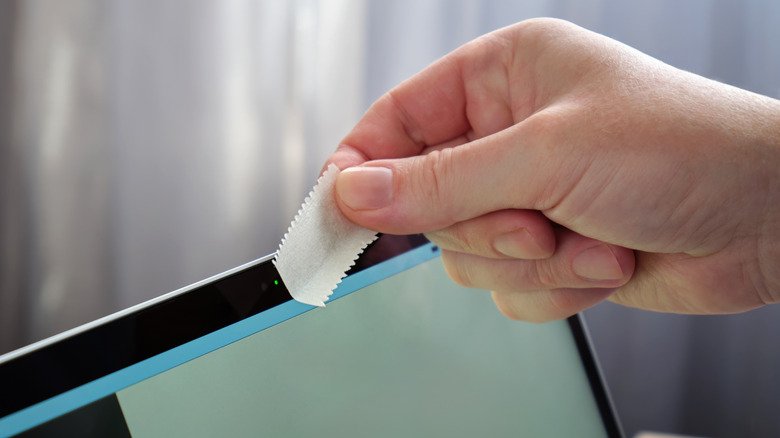
Webcam covers can help protect your privacy, but they might also end up damaging your MacBook’s screen.
Sergeyklopotov/Getty Images
Pretty much every modern laptop comes with a built-in webcam, which is also true for MacBooks. And while macOS has privacy features to prevent others from spying through your webcam, some people opt for cheap webcam covers to completely block the lens.
The reasoning behind this hasn’t changed much since our 2016 discussion on whether covering a laptop’s camera is a wise move or paranoia. Yes, covering the lens can protect you from being spied on, but that small piece of plastic can also end up damaging your display.
This isn’t our assumption — it comes from a recommendation by Apple. The company claims that closing the lid of a MacBook with a camera cover installed can damage the screen, since the gap between the display and the keyboard was designed with millimeter precision to ensure the lid closes properly. Anything you add between these two can put extra pressure on the components, resulting in cracks in the glass and display. Apple also notes that residue left from attaching and removing webcam covers can prevent other features that use the camera sensors, like automatic brightness, from working properly.
Why a webcam cover can crack your MacBook display
Михаил Руденко/Getty Images
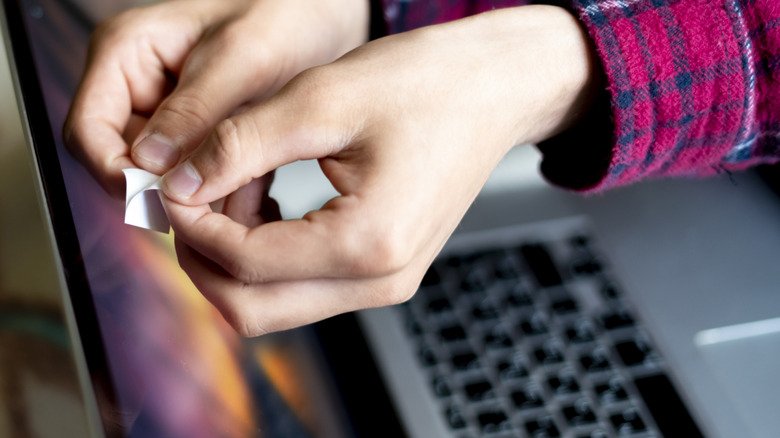
When you close the lid on your MacBook (whether it’s a Neo, Air or Pro) the screen rests on top of the keyboard and palm rest. There’s no room for anything else — the glass can even occasionally rub against the keyboard, leaving small imprint marks on the glass. This usually happens when you close the lid a little too hard or put pressure on it, like when your Mac is in a backpack with other items on top of it.
Apple places a thin rubber strip around the lid to better distribute pressure when the MacBook is closed. However, when you put something like a webcam cover on it, the pressure from the lid ends up concentrating on that small spot.
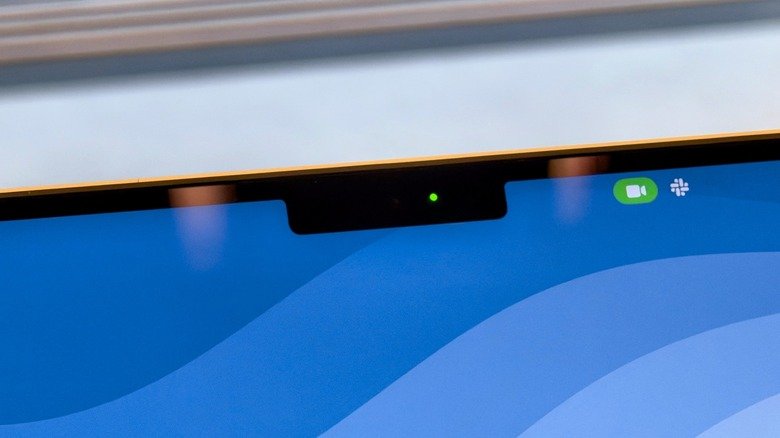
Although there’s no guarantee that something bad will happen, this difference in pressure can result in permanent marks, cracks or even the display failing to turn on at all. The latest MacBooks make this even more complicated, since the camera is located in the notch area at the top of the screen. The bezels around this are so thin that there’s almost no frame left to attach a webcam cover.
If you really have to cover the webcam on your MacBook, Apple recommends using covers that are as thin as a sheet of paper (about 0.1mm). Anything thicker than that could damage your MacBook’s screen. It’s also worth noting that damage caused by these webcam covers isn’t covered under warranty, so you’ll have to pay for the repair if anything happens.
Safer ways to keep your MacBook camera private
Filipe Espósito for Engadget
Thankfully, most people don’t need a physical cover for their webcam. Almost every MacBook has a green indicator next to the camera that lights up whenever it’s in use. This light is inextricably tied to the webcam, so the camera cannot run without also triggering the light. For the MacBook Neo, which doesn’t have a built-in LED indicator, macOS will display a green dot at the top-right that overlays everything else on the screen. Also, apps are required to ask for permission to use the camera on your Mac. If you see that light when you’re not on a call or taking a photo, something might be wrong.
In case you’ve noticed the webcam indicator light recently, or if you want to review your privacy settings, open System Settings, go to Privacy & Security and click Camera. Here, you’ll see all the apps you’ve granted webcam access to and can turn off the ones that shouldn’t be allowed to use the camera. When an app is turned off, it cannot access the webcam until you change the setting again. You can also click the green camera icon that appears in the menu bar to see which app is currently using the webcam.
If your workplace requires you to have a webcam cover — or if you still want to use one — be sure to follow Apple’s recommendations. It’s also a good idea to remove the cover before closing your MacBook’s lid. Our list of great accessories to buy for your MacBook includes a super-thin webcam cover.