
The reason your laptop can get hot after extended use

Laptops can sometimes run hot, but there are ways to keep them cool.
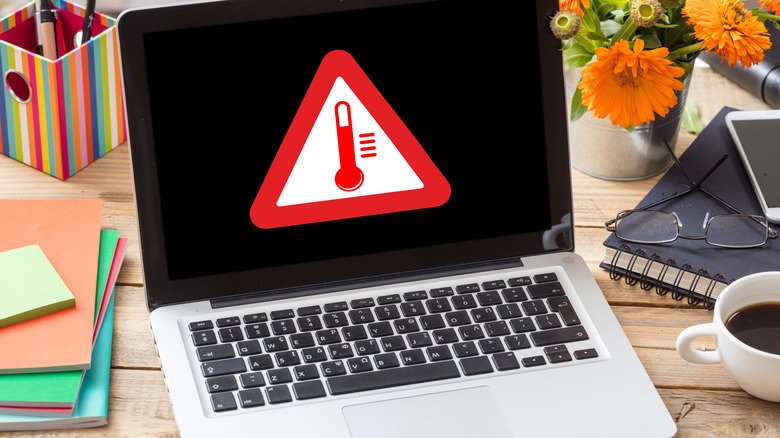
It’s not uncommon to notice your laptop suddenly getting hot, especially after long periods of use. The reason? There are many components inside — such as the processor and battery — packed into a relatively thin chassis, and all that heat has to go somewhere. This heat is often completely normal and caused by things like demanding tasks or background tabs. In these cases, the laptop usually returns to its normal state after a while. 

However, if the temperatures get considerably hot and cause your laptop to freeze and restart, there may be something wrong. Luckily, there are ways to figure out the main causes and prevent your laptop from getting too hot.

What makes a laptop run hot
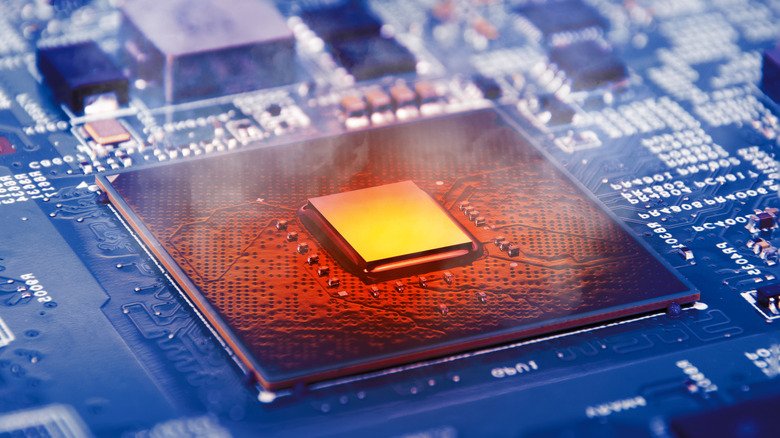
Every component inside your laptop generates heat, and when you’re running more demanding workflows, that heat tends to build up quickly. Playing 3D games or editing videos are just a couple examples of workflows that place greater demands on the hardware. But sometimes, even background processes and startup programs can quietly keep the CPU and memory busy, too. Not only that, but ordinary tasks like installing Windows or macOS updates also increase the load on the hardware, leading to high temperatures and causing the fans to spin faster.

The thing is, these are all completely normal situations. When you close these resource-intensive programs, the laptop tends to cool down within a few minutes. Internal sensors monitor the temperature of the laptop’s components to determine when to make the fans spin faster or when to turn them off. Depending on the temperatures, these sensors can also trigger other built-in safeguards to force the laptop to cool down, such as temporarily reducing the speed of the CPU and GPU — a process known as throttling.

Airflow is important for keeping your laptop running at normal temperatures. Most laptop makers don’t recommend using them in bed or on a pillow, since the fabric can block the air vents. High external temperatures can also have a major impact on your laptop’s heat. Apple, for example, recommends keeping your MacBook between 50 and 95 degrees Fahrenheit, while Microsoft says the Surface’s fans will run at a higher speed in environments above 77 degrees Fahrenheit.

How to cool down an overheating laptop and when to get help
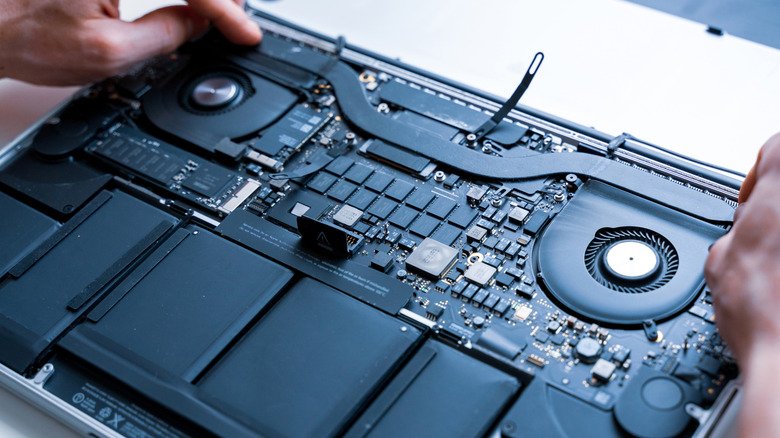
Start by checking to see if anything is blocking your laptop’s air vents — using it on a flat surface is always the best choice when it comes to preventing overheating. If you’re constantly working with resource-intensive software, it might be worth looking into cooling pads, which are trays with fans that sit under your laptop to keep it cooler. If the air vents look dirty, gently clean them with a soft cloth, a brush or compressed air, but never poke anything directly into the vents.

Another way to cool down your laptop is to check for any background processes that are using a lot of CPU power. In Windows, press Ctrl + Shift + Esc to open Task Manager and sort the list by CPU usage to find what’s slowing down the processor. There’s also a Startup tab that lets you prevent programs from opening automatically when you turn on your laptop. For MacBook users, use Spotlight to open the Activity Monitor app and click the CPU tab. If there are any programs using a lot of CPU resources, try closing them to see if your laptop cools down. Also, there are third-party apps that help you monitor the temperature of your computer’s CPU and other components.

If none of this helps, you may need technical support to see if there’s something wrong with your laptop. Something might be blocking the fans from working, or the CPU thermal paste might have dried out completely. Another thing to keep in mind is that older laptops tend to overheat more quickly, since they can no longer keep up with the latest software. In that case, your best options are to downgrade to older software or start thinking about getting a new laptop.

Don’t miss these tips!

We don’t spam! Read more in our privacy policy

LEAVE A REPLY

Please enter your comment!
Please enter your name here

Hot this week

What are the animals in your home learning from each other?

LEARNING FROM EACH OTHER Leaf, Sunshine, and Cuddles The animals who...

AI Is Thriving at Capital One

If one were making a list of the companies...

Are Crows and Parrots Really the Smartest Birds?

Kelsey McCune wanted to study smart birds, so naturally,...

Southern Ontario Gothic

Welcome to the Zoomer Age, where no one has...

Damage

In the opening moments of his second album, Damage,...

Topics

What are the animals in your home learning from each other?

LEARNING FROM EACH OTHER Leaf, Sunshine, and Cuddles The animals who...

AI Is Thriving at Capital One

If one were making a list of the companies...

Southern Ontario Gothic

Welcome to the Zoomer Age, where no one has...

Damage

In the opening moments of his second album, Damage,...

Are Crows and Parrots Really the Smartest Birds?

Kelsey McCune wanted to study smart birds, so naturally,...

Related Articles

Popular Categories

News Feed

Windows 11 is finally adding an easier way to disable the Sticky Keys pop-up

There’s a checkbox that simply turns it off. ...

How to use your iPhone to take the best picture of the Moon

With some easy adjustments, you can upgrade your...

Gmail users should know about this little-noticed feature

You can unsend messages on Gmail, but you...

Serbia’s Student Movement: From Protest to Power

LONDON, November 9 (IPS) - On the night of 25 October, tens of thousands filled the streets of Belgrade and other cities, as...

What the tiny blue dot on your Android phone is telling you

An app just checked your location. ...

Venmo finally launches an in-app bill splitting feature

The receipt-scanning feature is rolling out now. ...

Uber is launching its own parking reservation service

Uber Parking is built on the company's acquisition...

Why EV fast charging slows down after 80 percent

It doesn't mean you have a bad battery. ...

NHTSA investigates if Waymo robotaxis are still running school bus stop signs

Waymo’s 2025 software recall may be less effective...

NHTSA investigates if Waymo robotaxis are still running school bus stop signs

Waymo’s 2025 software recall may be less effective...

Think twice before using a webcam cover on your MacBook

Webcam covers can help protect your privacy, but...

Think twice before using a webcam cover on your MacBook

Webcam covers can help protect your privacy, but...

Meta is expanding AI age detection for Instagram teen accounts

The company will increase its use of the...

Meta is expanding AI age detection for Instagram teen accounts

The company will increase its use of the...

The pros and cons of using OnePlus smartwatches

OnePlus watches offer great battery life for the...

The pros and cons of using OnePlus smartwatches

OnePlus watches offer great battery life for the...

Drought Cripples Dairy Farmers in Maharashtra in ‘Off the Charts’ Weather Year

PUNE, India & ANTALYA, Türkiye, November 9 (IPS) - Dairy farmer Sagar Pawar has to buy water and fodder at inflated rates to...

Get a Free Tool or Battery With These Milwaukee Tools and Accessories at The Home Depot

Buy One Get One: Buy a new Milwaukee tool or accessory from The Home Depot and get a free battery or tool included with...

Popular articles

Windows 11 is finally adding an easier way to disable the Sticky Keys pop-up

There’s a checkbox that simply turns it off. ...

How to use your iPhone to take the best picture of the Moon

With some easy adjustments, you can upgrade your...

Gmail users should know about this little-noticed feature

You can unsend messages on Gmail, but you...

Serbia’s Student Movement: From Protest to Power

LONDON, November 9 (IPS) - On the night of 25 October, tens of thousands filled the streets of Belgrade and other cities, as...

What the tiny blue dot on your Android phone is telling you

An app just checked your location. ...

Venmo finally launches an in-app bill splitting feature

The receipt-scanning feature is rolling out now. ...

Uber is launching its own parking reservation service

Uber Parking is built on the company's acquisition...

Why EV fast charging slows down after 80 percent

It doesn't mean you have a bad battery. ...

NHTSA investigates if Waymo robotaxis are still running school bus stop signs

Waymo’s 2025 software recall may be less effective...

NHTSA investigates if Waymo robotaxis are still running school bus stop signs

Waymo’s 2025 software recall may be less effective...

Think twice before using a webcam cover on your MacBook

Webcam covers can help protect your privacy, but...

Think twice before using a webcam cover on your MacBook

Webcam covers can help protect your privacy, but...

Meta is expanding AI age detection for Instagram teen accounts

The company will increase its use of the...

Meta is expanding AI age detection for Instagram teen accounts

The company will increase its use of the...

The pros and cons of using OnePlus smartwatches

OnePlus watches offer great battery life for the...

The pros and cons of using OnePlus smartwatches

OnePlus watches offer great battery life for the...

Drought Cripples Dairy Farmers in Maharashtra in ‘Off the Charts’ Weather Year

PUNE, India & ANTALYA, Türkiye, November 9 (IPS) - Dairy farmer Sagar Pawar has to buy water and fodder at inflated rates to...

Get a Free Tool or Battery With These Milwaukee Tools and Accessories at The Home Depot

Buy One Get One: Buy a new Milwaukee tool or accessory from The Home Depot and get a free battery or tool included with...